

PS-300C Install / Upgrade Procedure
PS-300C Install / Upgrade Procedures
Before upgrading
- Login as the user who has administrative privilege.
- Quit PS-300C if it is on.
1. Start the downloaded upgrade program.

2.Click the "Next" button.
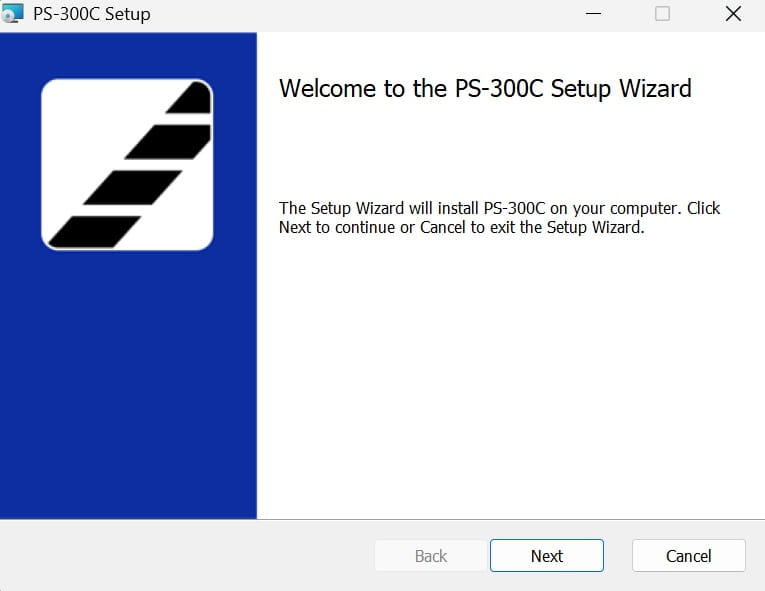
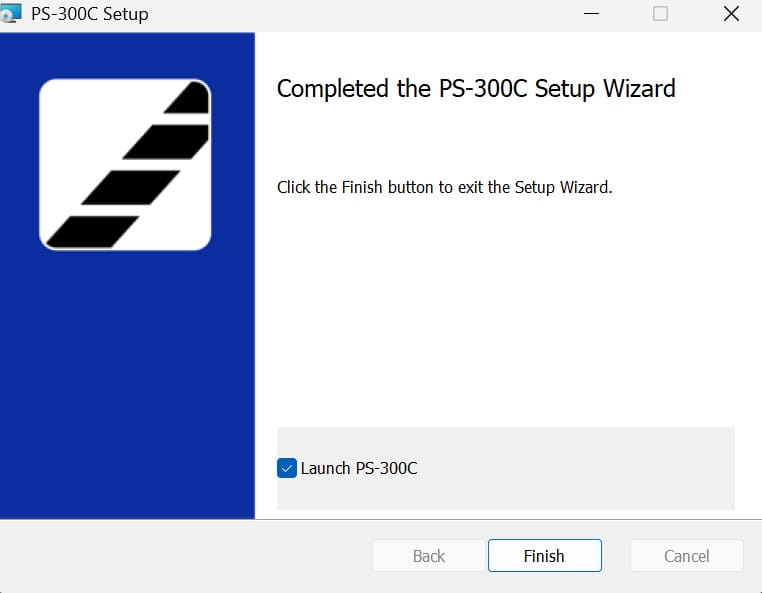
3. Follow the on-screen instructions to upgrade the software. The following display appears when the upgrading is completed.
4. If the following display appears at first startup of the PS-300C application, enter "License Key".

Support Information

Contact
For consultations or inquiries about products, functions, operations and repair of the products
For consultations or inquiries about products, functions, operations and repair of the products